

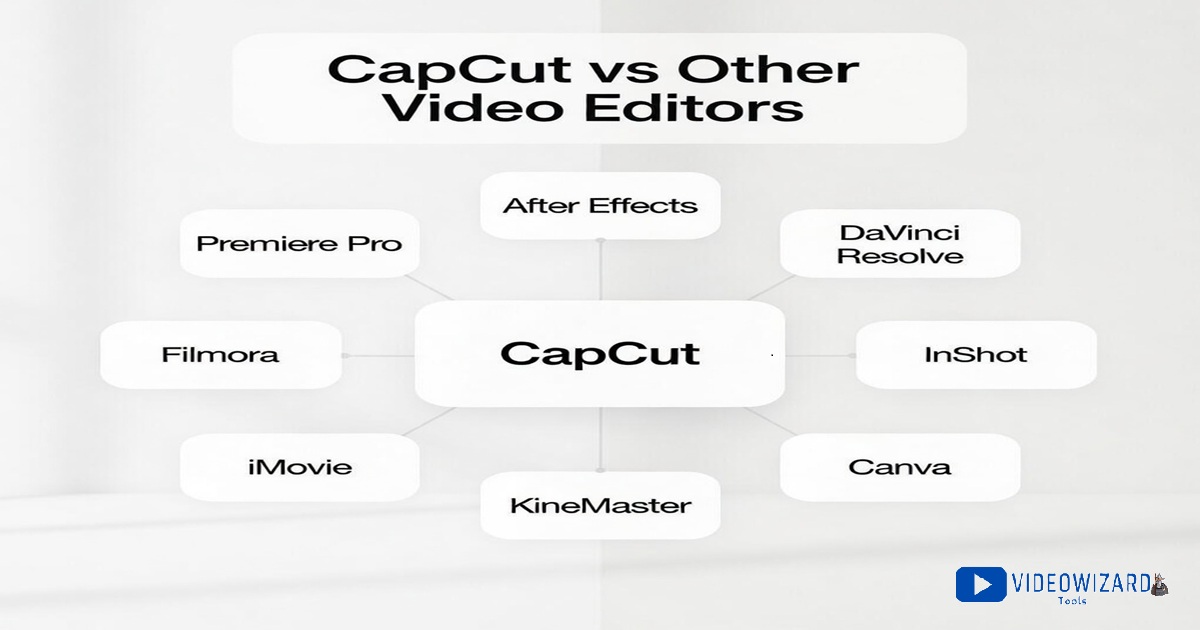
Ever opened CapCut… then got hit with “Should I use Premiere Pro instead?” Or DaVinci? Or InShot? Yeah, same.
I’ve been there, clicking ten tabs, getting ten different answers. So i made one clean index that points you to the exact CapCut vs other editors comparison you need.
Every matchup on this page follows the same checklist: price, ease, templates, captions, export quality, watermark, and what devices it works on.
Most editors now copy each other’s AI features, so tiny details decide what actually feels better to use. Pick your matchup below, and you’ll get a straight, side-by-side answer.
Table of Contents
How These Editors Are Compared
Every CapCut vs XXX post on this site uses the same checklist. That keeps the comparisons consistent, so “which is better” depends on the tool, not the writer.
- Pricing and free plan: What you can do for free, what’s locked behind paid plans, and what the upgrade really changes. For a full breakdown of CapCut’s current plans (Standard, Pro, and Teams), see my CapCut pricing plans guide.
- Beginner friendliness: How easy it is to learn, how fast you can finish a decent edit, and how confusing the interface feels.
- Templates and speed for short-form: How quickly you can make TikTok, Reels, and Shorts using ready-made styles, effects, and trending formats.
- Captions and subtitles: Auto caption accuracy, editing controls, styling options, and how painful it is to fix mistakes.
- Export quality: 1080p and 4K options, frame rates, compression, and the overall clarity of the final video after upload.
- Watermark: When it shows up, what causes it, and whether you can remove it without hacks.
- Audio: Music tools, voice volume control, noise cleanup, and how easy it is to sync edits to sound.
- Performance: App speed, crashes, lag, and how smooth it feels on typical phones and laptops.
- Mobile, desktop, and web: Where it works, what features change by device, and which workflow makes the most sense.
- Depth for advanced editing: Layers, keyframes, masking, color controls, and how far you can push the editor beyond basic cuts.
- AI editing tools: Features like auto-cutting, background removal, smart captions, and other time-savers that matter.)
Comparison Index
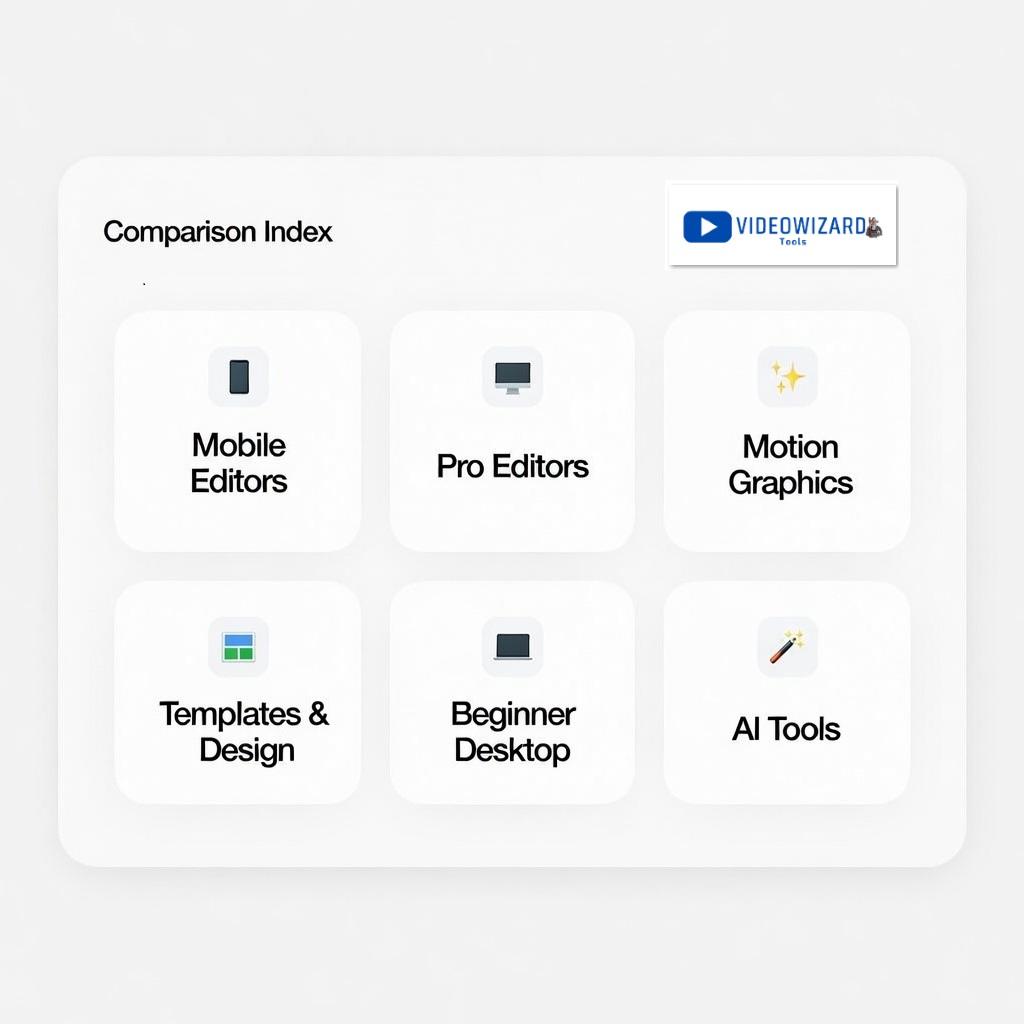
Use this directory to jump straight to the matchup you’re searching for. Each link goes to a full CapCut vs ___ comparison, including pricing, which is better for beginners, and which one makes the most sense for Reels, TikTok, Shorts, or longer YouTube videos.
Most-Searched CapCut Matchups
- CapCut vs Filmora: best if you want an easy editor on a desktop without a steep learning curve
- CapCut vs Premiere Pro: best if you’re choosing between fast social edits and a full professional editor
- CapCut vs DaVinci Resolve: best if you care about color grading and high-end finishing
- CapCut vs InShot: best if you want a simple mobile editor for TikTok and Reels
- CapCut vs Canva (Video): best if you want templates and design-first video content
- CapCut vs iMovie: best if you edit on Apple devices and want something basic and clean
Mobile Video Editors
If you mostly edit on your phone and your goal is short-form content, these matchups focus on speed, templates, captions, and exports for TikTok, Reels, and Shorts.
All the CapCut vs. other editors comparison posts (with links) are in the Related Posts section down below, this is just the ‘who it’s for’ breakdown.
- CapCut vs InShot: a popular choice for quick edits, clean cuts, and beginner-friendly tools
- CapCut vs KineMaster: compared for multi-layer timelines, manual control, and mobile power editing
- CapCut vs VN Editor: compared for lightweight editing, smoother workflow, and clean exports
- CapCut vs iMovie: compared for simple editing on iPhone and iPad versus CapCut’s template-first approach
- CapCut vs Premiere Rush: compared for quick edits across devices and a more “Adobe” style workflow
Professional Desktop Editors
If you’re editing longer videos, doing client work, or you care about deeper control, these matchups focus on timelines, color, audio, and overall export quality.
- CapCut vs Premiere Pro: compared for professional workflows, advanced timelines, and serious editing depth
- CapCut vs DaVinci Resolve: compared for color grading, finishing tools, and high-end control versus CapCut’s speed-first workflow
Motion Graphics and VFX Tools
If your question is less about cutting clips and more about animations, effects, and motion design, start here.
- CapCut vs After Effects: compared for motion graphics, visual effects, and animation workflows, versus CapCut’s fast editing and templates
Template-First and Design-Focused Video Tools
If you want polished videos fast, with text, layouts, and ready-made styles, these comparisons focus on templates, ease of use, and how good the final video looks on social.
- CapCut vs Canva (Video): compared for templates, design tools, captions, and which one is better for social content and marketing videos
Beginner-Friendly Desktop Editors
If you want something simple on a computer and you don’t want the learning curve of pro software, these matchups focus on ease, speed, pricing, and basic export quality.
- CapCut vs Filmora: compared for beginner workflows on desktop, simple timelines, and which one is better for getting a clean edit fast
Where to Start
Not sure which comparison to click? Start with the option that matches what you’re trying to make.
- You want design-first videos and lots of templates? Go to CapCut vs Canva (Video).
- You already know the editor, just comparing? Go to Most-Searched CapCut Matchups above and click your matchup.
- You mostly make TikTok, Reels, or Shorts? Start with CapCut vs InShot, CapCut vs VN Editor, or CapCut vs KineMaster.
- You want pro control for longer YouTube videos or client work? Start with CapCut vs Premiere Pro or CapCut vs DaVinci Resolve.
- You care about motion graphics (animated text, VFX, compositing)? Go to CapCut vs After Effects.
- You want easy desktop editing without a steep learning curve? Go to CapCut vs Filmora.
All the comparison links mentioned here are listed further down the page.
FAQs
Is CapCut free?
CapCut has a free version, but what is included can vary by device, region, and which tools you use. For the full free vs paid breakdown, read this guide on CapCut Free vs CapCut Pro.
Does CapCut add a watermark?
Sometimes. Watermarks can be tied to certain templates, effects, Pro assets, or export choices. If you want a deeper guide, read this post on how to export CapCut videos without watermark.
What is best for TikTok, Reels, and Shorts?
CapCut is built for short-form speed, with templates, effects, captions, and social-first editing tools. If you are choosing a mobile editor, start with CapCut vs InShot, CapCut vs VN Editor, or CapCut vs KineMaster.
Is CapCut good for YouTube videos?
CapCut can be enough for basic YouTube edits, especially simple talking-head videos, Shorts, tutorials, and social clips. If you want deeper editing control, compare CapCut vs Premiere Pro or CapCut vs DaVinci Resolve.
Which editor is best for motion graphics?
If you mean real motion graphics, animated text, VFX, compositing, and advanced animation, start with CapCut vs After Effects.
Which editor is best for color grading?
If color grading matters most, start with CapCut vs DaVinci Resolve.
Conclusion
If you want speed, templates, and captions for short-form content, CapCut is hard to beat.
If you need deeper control for professional timelines, color grading, or motion graphics, the better choice is usually one of the pro tools.
Pick the matchup you’re deciding between from the index above, and you’ll get a clear, side-by-side answer on pricing, features that matter, and which editor fits your workflow.
