Pricing & Subscriptions
CapCut Free Trial: How to Try CapCut Pro Free
Are you trying to figure out whether the CapCut free trial is real, how…
Read guide
Step-by-step CapCut guides for editing, exporting, captions, and troubleshooting — organized by topic so you can find exactly what you need.
New to CapCut? Begin with the basics.
Are you trying to figure out whether the CapCut free trial is real, how…
Read guide →CapCut, one of the most popular video editing apps today, has become a favorite…
Read guide →CapCut, the popular video editing app, has taken the mobile content creation world by…
Read guide →Are you looking to edit videos effortlessly on your iPhone? CapCut, one of the…
Read guide →Quick solutions when something breaks mid-edit.
You tap the screen. Tap again. The diamond icon refuses to appear—or worse, your…
Read guide →Finished editing your video, hit export, and CapCut just refuses to cooperate? That can…
Read guide →You tap Auto Captions, wait for the processing circle… and nothing. Or worse, CapCut…
Read guide →You spend time fixing every caption. The spelling looks right. The font looks good.…
Read guide →Style, sync, and troubleshoot captions in CapCut.
Auto captions are fast, until they get it wrong. When CapCut mangles your brand…
Read guide →You want your captions to do more than just display text. You want them…
Read guide →Your captions look perfect inside CapCut. Clean font. Smooth animation. Everything hits exactly on…
Read guide →You’ve seen it before. Captions hitting one word at a time… perfectly timed… pulling…
Read guide →What CapCut costs, and how to manage your plan.
CapCut is free to use, but paid plans unlock premium features like AI tools,…
Read guide →Can CapCut really grow with you — from free hobby edits to full-team content…
Read guide →If you’re staring at CapCut’s checkout screen trying to decide between monthly and yearly…
Read guide →Got charged by CapCut and want to stop the next payment? You’re not alone.…
Read guide →How CapCut stacks up against the competition.
If you’re deciding between CapCut vs Filmora, you’re probably trying to answer one simple…
Read guide →If you’re deciding between CapCut vs DaVinci Resolve, you’re probably torn between two very…
Read guide →If you’re comparing CapCut vs Premiere Pro, the real question is simple: do you…
Read guide →If you’re deciding between CapCut vs InShot, you’re probably trying to pick the better…
Read guide →Get sharper exports and smaller file sizes.
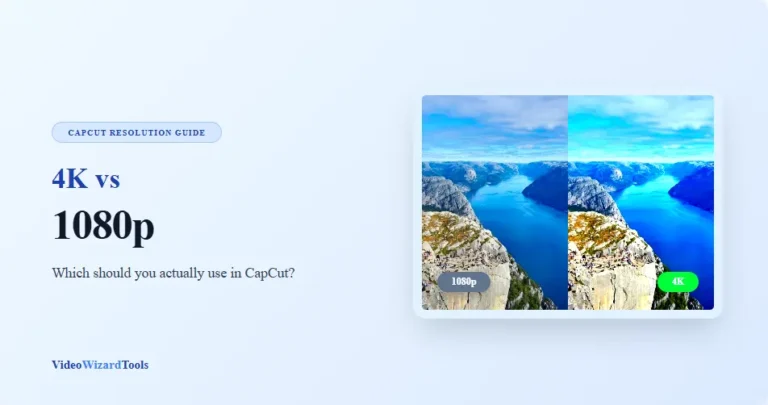
Ever filmed a great clip… then watched it back and it looked grainy, dark,…
Read guide →Have you ever edited a video in CapCut, loved how clean it looked, then…
Read guide →Export settings are where a lot of creators accidentally ruin a great edit. Your…
Read guide →A CapCut video can look sharp and still be way too large to upload,…
Read guide →The techniques every CapCut editor should know.
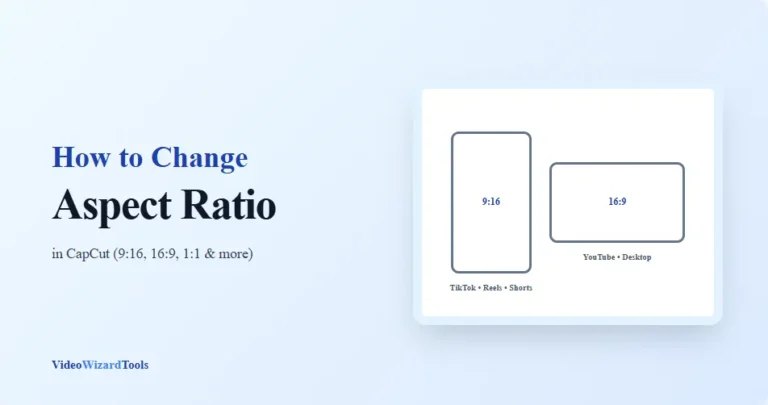
Have you ever needed to turn a YouTube video into a TikTok, convert a…
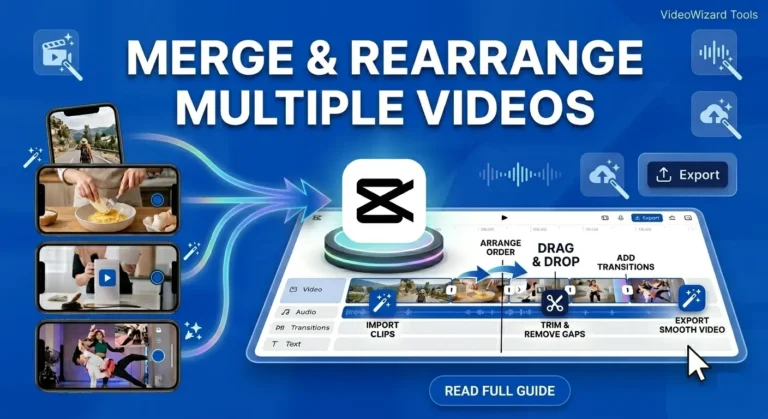
Read guide →Have you ever recorded several clips and then realized they need to become one…
Read guide →Trying to remove a green screen in CapCut, but the edges look messy, or…
Read guide →Many video creators need to hide faces before posting content online. Whether you’re protecting…
Read guide →Find, edit, and customize CapCut templates.
Want to customize a CapCut template to match your unique style? Editing CapCut templates…
Read guide →Are your edits looking decent… but not getting the views you expected? The difference…
Read guide →Ever found the perfect CapCut template… except for that one annoying filter? Maybe it’s…
Read guide →Are your videos looking fine… but not professional? The difference is often the template.…
Read guide →Getting set up on desktop, mobile, or offline.
Editing on a phone is convenient… until it isn’t. If you’ve ever tried to…
Read guide →CapCut is one of those editors that feels way more powerful than people expect…
Read guide →Choosing between CapCut Online, CapCut Desktop, and the CapCut mobile app can feel confusing…
Read guide →You oOpen CapCut on your phone, then open it on your laptop and the…
Read guide →Optimize CapCut exports for TikTok, Reels, and YouTube.
TikTok moves fast. One second you’re watching a random clip… the next it’s at…
Read guide →Instagram Reels is crowded now. If your video doesn’t look sharp in the first…
Read guide →Want to edit YouTube videos in CapCut without your content looking “mobile” or messy?…
Read guide →Many TikTok creators wonder whether using CapCut gives their videos an advantage on the…
Read guide →Freshly published and recently updated posts, listed below.