

Can’t sign in to CapCut? You are not alone.
Maybe Google login keeps loading. Maybe TikTok sign-in fails. Maybe the QR code will not scan. Or maybe you finally get into CapCut, but your projects, Pro access, or account history look missing.
The good news is that most CapCut login problems come down to a few common causes: the wrong login method, weak internet, VPN issues, app glitches, outdated versions, account mismatch, or signing into a different account than the one you used before.
Before you delete CapCut, create a new account, or panic about missing projects, start with the safer fixes below.
Table of Contents
- Can’t Sign In to CapCut? Start With These Fixes
- CapCut Login Not Working With Google
- CapCut Login Not Working With TikTok
- CapCut Login Not Working With Apple ID
- CapCut Email Login or Verification Code Not Working
- CapCut QR Code Login Not Working
- CapCut Says Account Does Not Exist
- Logged Into CapCut, But Projects or Pro Access Are Missing?
- If Every Login Method Fails, Check the App and Network
- Do Not Delete CapCut Until Your Drafts Are Safe
- When to Contact CapCut Support
- Frequently Asked Questions
- Final Thoughts
- Official Resources
Can’t Sign In to CapCut? Start With These Fixes
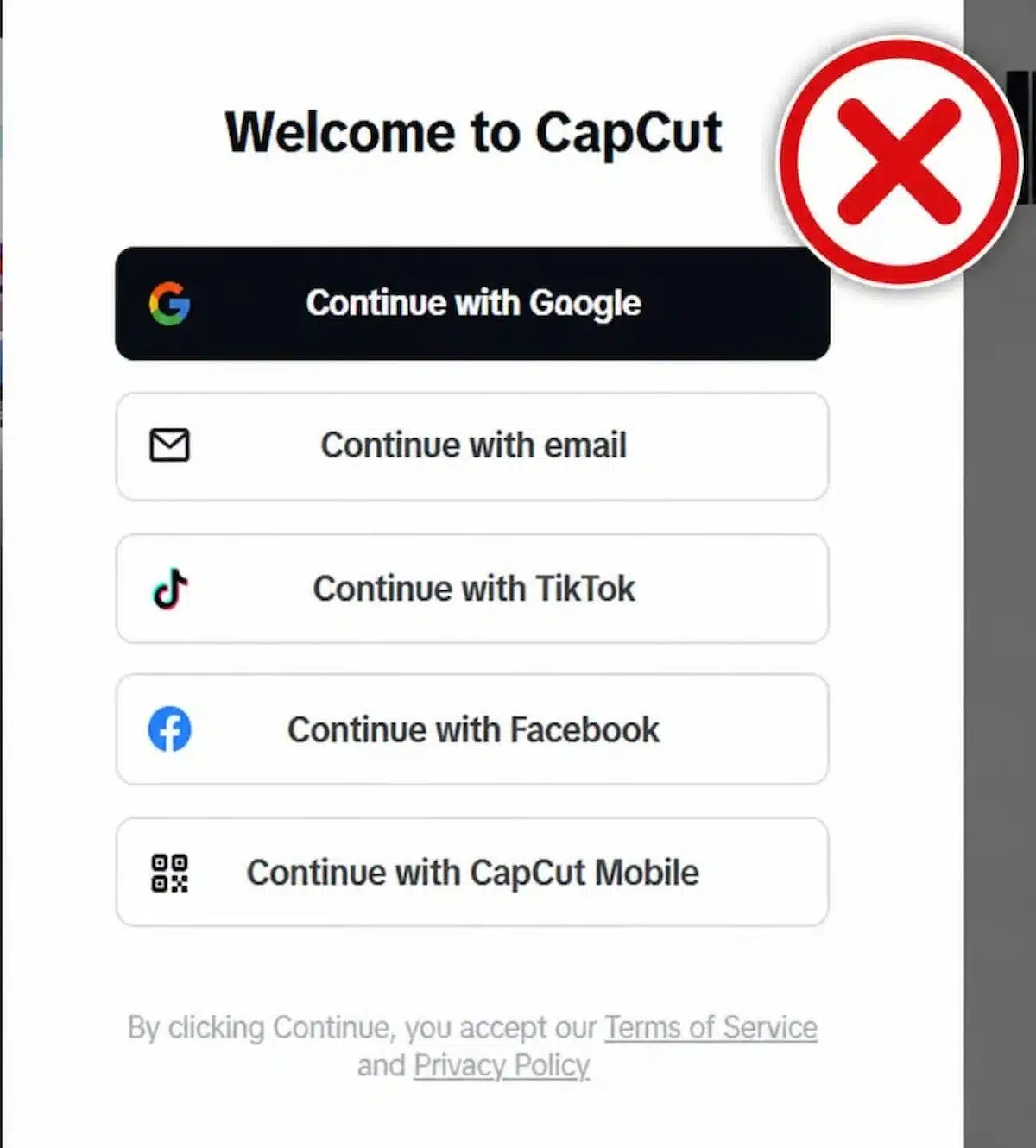
If you can’t sign into CapCut, start with the basics before you reset anything, delete the app, or create a new account.
Start with the simple checks first. They fix many login problems and help you avoid risky steps like deleting the app too early.
Quick fixes to try first
- Switch from mobile data to Wi-Fi, or try another network
- Turn off VPN, proxy, ad blocker, or private DNS temporarily
- Update CapCut to the latest version available to you
- Restart CapCut and your device
- Try the same login method you used before
- Check whether you used TikTok, Google, Apple, Facebook, email, or phone
- Try QR code login if you are signing in on desktop or web
- Wait if CapCut shows a temporary security message like “Retry after 24h”
Avoid deleting CapCut until you know your drafts are safe. A login problem is annoying, but losing local drafts is worse.
If you are switching devices, this guide on using one CapCut account on two devices can help you avoid signing into the wrong account.
CapCut Login Not Working With Google
If CapCut will not sign in with Google, first check whether your Google account works outside CapCut.
Open Gmail, YouTube, or your Google account page and make sure you can sign in there. If Google works normally but fails inside CapCut, the issue is probably the CapCut app, your browser, your network, or the wrong Google account being selected.
Try these fixes
- Make sure you are choosing the same Google account you used for CapCut before
- Turn off VPN, proxy, private DNS, or ad blockers temporarily
- Switch from mobile data to Wi-Fi, or try another network
- On web, try Incognito mode or a different browser
- Disable browser extensions that may block login pop-ups
- If you use multiple Google accounts, check which one CapCut is opening by default
If CapCut opens but your projects or Pro access are missing, you may have signed into a different Google account than the one you used before.
CapCut Login Not Working With TikTok
If TikTok login is not working in CapCut, check TikTok first.
Open TikTok directly and make sure your account is still signed in, active, and working. If TikTok itself has a login issue, CapCut may not be able to use it for sign-in either.
Try these fixes
- Open TikTok and confirm you are signed in
- Update both TikTok and CapCut
- Make sure you are using the same TikTok account you used with CapCut before
- Turn off VPN temporarily
- Try another network
- Restart both apps
- Try another login method only if you are sure it is linked to the same CapCut account
Be careful here: TikTok login and email login may not open the same CapCut account. If your projects disappear after signing in, try your original TikTok login again before assuming they are gone.
CapCut Login Not Working With Apple ID
Apple ID login can be confusing because of Apple’s “Hide My Email” feature.
If you used Sign in with Apple, CapCut may have received a private relay email instead of your normal email address. Later, if you try Google or regular email login, CapCut may treat it like a different account.
Try these fixes
- Use the same Apple ID you used when you first signed into CapCut
- Check whether you used Hide My Email
- Look in your Apple ID settings for apps using Sign in with Apple
- Update CapCut and iOS
- Restart your iPhone
- Try again on a stable Wi-Fi connection
If your projects are missing after login, do not delete CapCut yet. You may need to sign back in using the original Apple ID.
CapCut Email Login or Verification Code Not Working
If your CapCut email login is not working, the problem is usually the email address, verification code, spam folder, delay, or network connection.
Start by checking that the email is typed correctly. Then look for the code in your inbox, spam, junk, promotions, and updates folders.
Try these fixes
- Check that your email address is correct
- Look in Spam, Junk, Promotions, and Updates
- Wait a few minutes for the code to arrive
- Do not request too many codes back-to-back
- Try another network
- Search your inbox for “CapCut” to find old sign-up emails
- Restart CapCut and try again from a fresh login screen
If CapCut says the account does not exist, you may have signed up with TikTok, Google, Apple ID, or Facebook instead of email.
CapCut QR Code Login Not Working
QR code login is mainly for signing into CapCut on desktop or web using your mobile app. CapCut says QR login can be used for cross-platform login on PC and Web, and the QR code appears on supported platforms rather than inside the mobile app itself. :contentReference[oaicite:1]{index=1}
If QR login fails, the problem may be an expired code, weak internet, a blocked network, or the wrong mobile account.
Try these fixes
- Refresh the QR code and scan the new one
- Make sure your phone and computer both have internet
- Open CapCut on your phone before scanning
- Check that your phone is signed into the right CapCut account
- Increase your screen brightness
- Clean your camera lens if the scan is blurry
- Restart CapCut desktop or refresh CapCut online
- Try another network if the QR code does not load
- Use Google, TikTok, Facebook, or email login if QR code keeps failing
CapCut also says QR login is one of the recommended ways to keep mobile, desktop, and web access connected to the same account. :contentReference[oaicite:2]{index=2}
CapCut Says Account Does Not Exist
If CapCut says your account does not exist, you may be using the wrong login method.
This is common when someone originally signed in with TikTok or Apple ID, then later tries to log in with email or Google. CapCut may treat those as different accounts, even if the email address looks similar.
So before creating a new account, test every login method you might have used.
What to check
- Try TikTok login if you have ever connected CapCut to TikTok.
- Try Google login if you use Gmail.
- Try Apple ID if you first used CapCut on iPhone.
- Check whether Apple used a private relay email.
- Search your email inbox for old CapCut messages.
- Check whether you used a different email address.
If your account looks empty after signing in, do not assume your projects are gone. You may simply be in a different account.
Logged Into CapCut, But Projects or Pro Access Are Missing?
If you can sign in but your projects, drafts, or Pro access are missing, the issue is usually an account mismatch.
You may have signed into a new or different CapCut account instead of the one connected to your drafts, subscription, or cloud storage.
This happens a lot when users switch between Google, TikTok, Apple ID, email, and QR login.
Try these fixes
- Sign out and try the login method you used when you created the project.
- Check whether your Pro subscription is linked to another account.
- Check your app store subscription history.
- Look for cloud projects under the correct account.
- Try signing in on the same device where you edited before.
- Check whether your drafts were local instead of cloud-synced.
If your drafts were stored only on the old device, signing into an account may not bring them back automatically.
If your projects are missing after login, remember that CapCut autosave and cloud backup are not the same thing.
If your Pro subscription is active on mobile but missing on desktop, check whether CapCut desktop is not recognizing Pro.
If Every Login Method Fails, Check the App and Network
If you have already tried the login method fixes above and nothing worked, step back and check the app, browser, and network itself.
At that point, check the things that can block CapCut from connecting properly: your internet connection, VPN, private DNS, browser settings, app version, or cache.
Try these fixes
- Switch from mobile data to Wi-Fi, or try another network
- Turn off VPN, proxy, private DNS, or ad blockers temporarily
- Update CapCut from the official app store
- Restart CapCut and your device
- Try logging in from a browser if the app fails
- On web, try another browser or Incognito mode
- Clear CapCut cache if the app still behaves strangely
If CapCut works on one network but not another, the issue is probably the network, not your account.
Be careful with cache and data. Clearing cache is usually safer. Clearing app data can remove local drafts, so do not touch app data unless your projects are backed up.
Do Not Delete CapCut Until Your Drafts Are Safe
If you still cannot sign in, deleting and reinstalling CapCut may feel like the fastest fix.
But do not rush.
If you have local drafts saved inside the app, deleting CapCut can put those drafts at risk. A reinstall may fix some login issues, but it can also create a bigger problem if your projects were not backed up or synced.
Before reinstalling CapCut, do this first:
- Export any finished videos you can still access
- Check whether your drafts are synced to cloud
- Confirm your original login method
- Back up source clips, photos, audio, and voiceovers
- Avoid clearing app data unless your projects are safe
Try the safer fixes first: update the app, restart your device, switch networks, turn off VPN, clear cache, and test the correct login method.
When to Contact CapCut Support
If none of the fixes work, it may be time to contact CapCut support.
This is especially important if you cannot access a paid subscription, your account is locked, your Pro access disappeared, or every login method fails.
Before contacting support, gather this
- Your CapCut account email or login method
- The device you are using
- Your CapCut app version
- Screenshots of the login error
- Your subscription receipt if Pro is missing
- Any error message or code shown on screen
The more details you provide, the easier it is for support to understand what happened.
Frequently Asked Questions
Why can’t I sign into CapCut?
You may not be able to sign into CapCut because of a weak internet connection, VPN, outdated app, wrong login method, account mismatch, browser issue, or a temporary problem with the login provider.
Why does my CapCut account look empty after signing in?
Your account may look empty because you signed in with a different login method. TikTok, Google, Apple ID, email, and QR login may not always open the same account.
Why is my CapCut Pro not showing after login?
Your Pro access may be linked to another account, app store subscription, or device login. Try the original login method and check your subscription history. If you use desktop, check this guide on CapCut desktop not recognizing Pro.
Can I fix CapCut login by deleting and reinstalling the app?
Sometimes, but it should not be your first step. Deleting CapCut can put local drafts at risk if they are not backed up. Try updating, restarting, switching networks, and clearing cache first.
What should I do if CapCut says my account does not exist?
Try every login method you may have used before, including TikTok, Google, Apple ID, Facebook, email, phone, and QR login. You may be trying to enter through the wrong account method.
Final Thoughts
If you can’t sign into CapCut, do not rush to create a new account or delete the app. Most login problems come from the wrong login method, network issues, VPNs, outdated apps, or account mismatch.
Start with the safest fixes first. Check your connection, update CapCut, turn off VPN, restart your device, and try the login method you used when you first created the account.
If your projects or Pro access look missing after login, you may be inside the wrong account. Find the right login method before assuming your work or subscription is gone.
